Otter.ai

Description

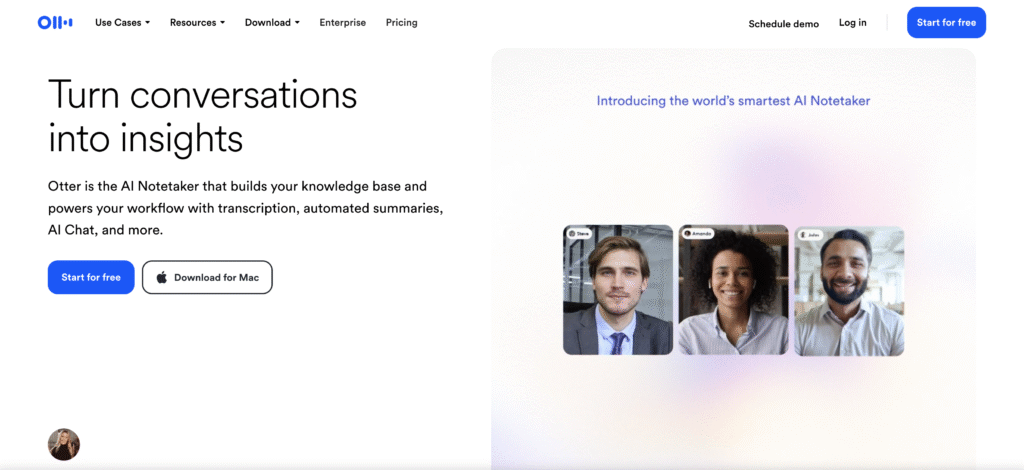
Otter.ai is an AI meeting assistant. It gives live transcripts, automated summaries, action items, advanced AI templates. You can use AI Chat to get answers from your meetings.

Key Features

  • Transcription
  • Meeting management

Accesibility

  • For Youth with hearing impairments (Deaf/Hard of Hearing): provides Automatic Speech Recognition (ASR) to provide live, real-time captions of a meeting or lecture.
  • The text appears instantly on the screen as people speak. Available in Englih, French and Spanish
  • For individuals with Auditory Processing Disorder (APD), ADHD, or Dyslexia, the text transcript serves as an alternative or augmentation to listening
  • NB: While the transcription is multilingual, the Otter user interface (menus, settings, navigation, and customer support) remains primarily in English.

Use Cases

  • Focus on dialogue through automatic note taking and allow you to focus on the core of the meeting
  • The notes are available in a structured summary
  • The AI can event draft follow up emails based on the meeting notes
  • Provides time-stamped transcripts after the meeting that can be searchable
  • Can join automatically virtual meetings

Pricing Model

  • Free: USD 0/month – limited access
  • Pro: approx. USD 8.33/month – includes 1200 transcription minutes, advanced AI workflow and 10 monthly audio/video file imports
  • Business: approx. USD 19.99/user/month – includes unlimited meetings + in-app recordings, custom AI workflows and 6000 import minutes
  • Entreprise: unlimited custom AI workflows, Otter Sales Agent, custom integrations (CRM, dialers)
  • Non profit: 40% discount if you are registered at TechSoup

Use these tips

  • Tip: When you finish the meeting, open the meeting transcript and look for Otter Chat. This is where you can type questions about the meeting instead of rereading the whole transcript. It is very useful if you want something more specific than a general transcript or summary, for example, a follow-up email or what was said by a specific person.
  • Prompts: The more specific, the better: Specific question + topic/person + output (to be typed in the Otter.ai chat)
    Example:
    “What did Helen say about the budget? Answer in a couple of short bullet points”.
    Some other prompts:
    • What did we agree about the next meeting?
    • Did anyone mention a deadline for the report?
    • What concerns were raised about the new plan?
    • What did [name] say about [topic].
    • Write a short follow-up email about [topic].

*Disclaimer: We have compiled AI tools on this page that we consider helpful for youth (information) work professionals. The tools presented do not constitute advertising; we do not receive any money for them. We cannot guarantee that individual details – such as prices – are up to date at all times.

Leave a Reply

Your email address will not be published. Required fields are marked *